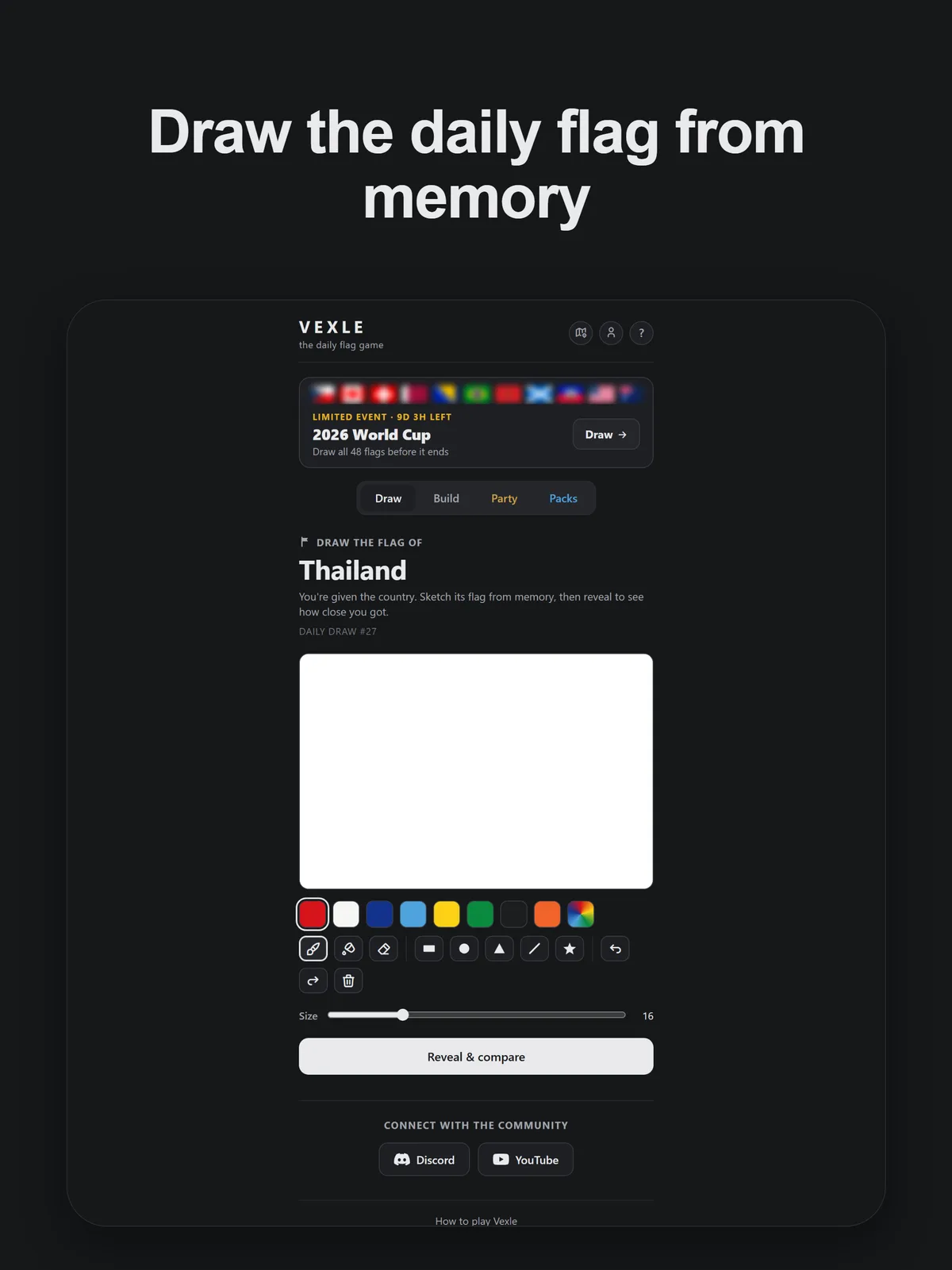




Where can you play Vexle?
| Device | How | Link |
|---|---|---|
| iPhone / iPad | App Store app (free) | App Store listing |
| Android | Browser at vexle.org | Game page |
| Windows / Mac / Chromebook | Browser at vexle.org | Game page |
| Steam / desktop client | None | — |
Vexle on iPhone and iPad
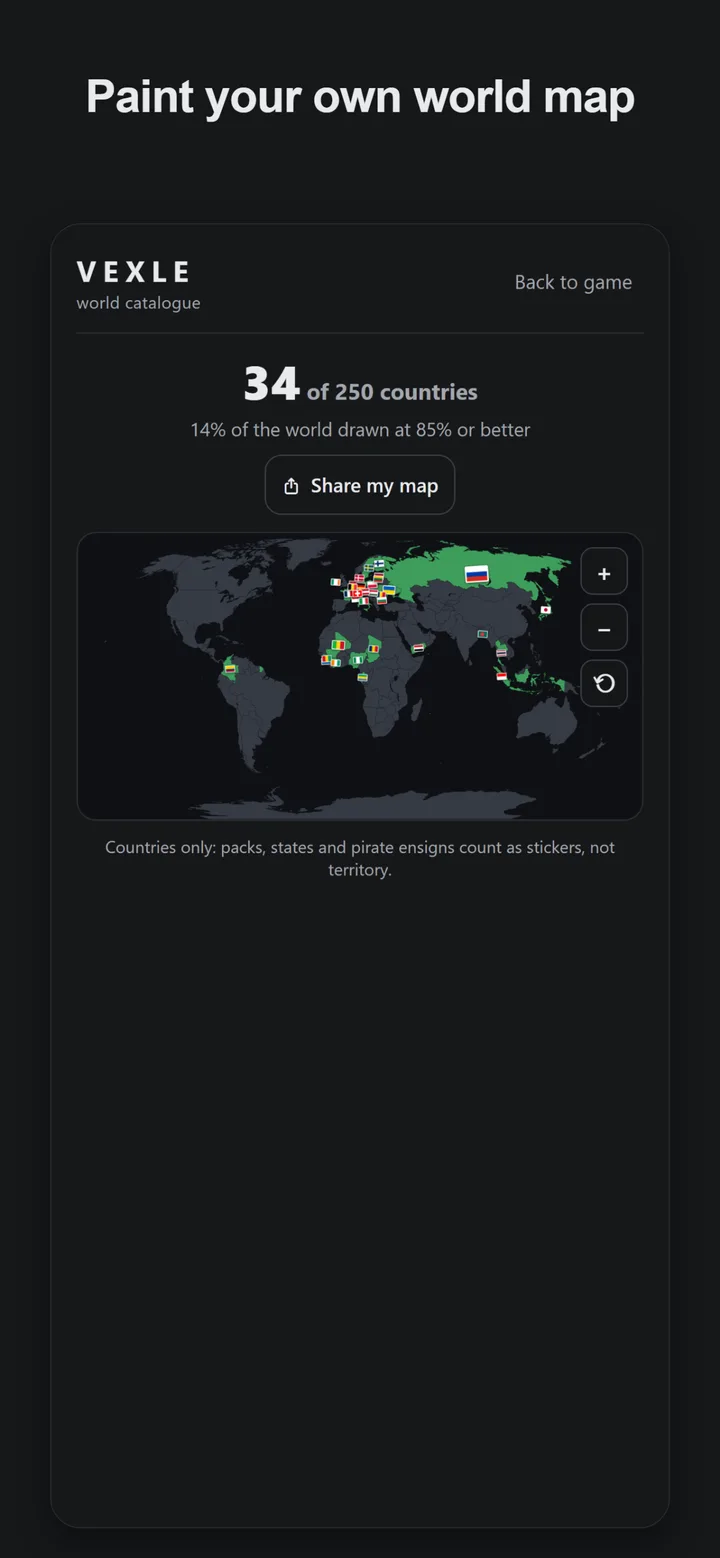
The iOS app is listed as Vexle: Daily Flag Drawing, sold by David Lawal. It went live on 12 July 2026, and version 1.2 (24 July 2026) was current on our check date. In the US store it held 4.87 out of 5 from 94 ratings. It needs iOS 15.0 or later, is rated 4+, weighs 12.7 MB and is English-only. The store text promises one flag a day, a personal world map that fills in at 85% or better, 250 countries and territories, and optional Google or Apple sign-in for syncing.
One mismatch is worth knowing: the store description still says “no hints”, but the web game added up to three shape-only hints per daily drawing in the July 2026 Borders update. If you rely on hints, check that the app shows them on your device.
Is there a Vexle Android app?
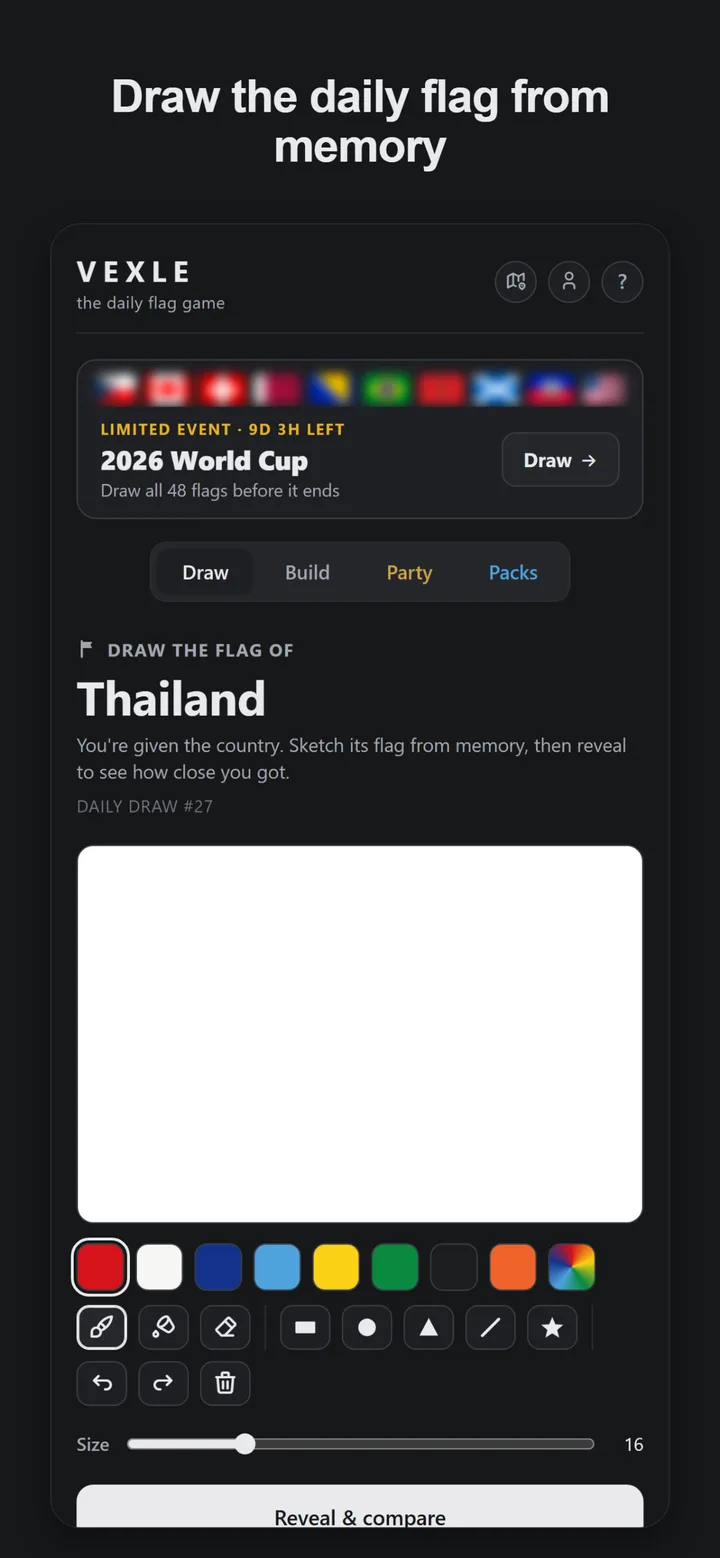
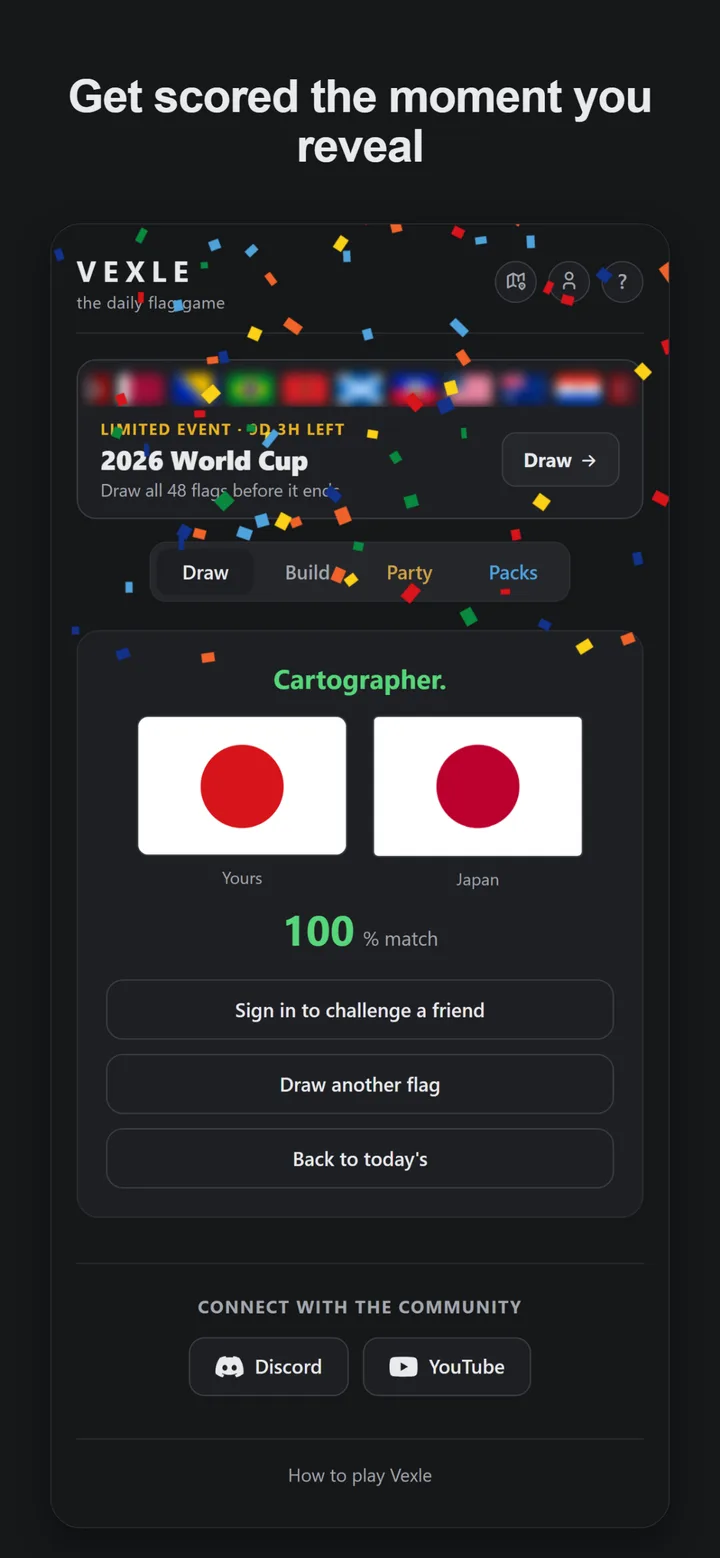
No. A Google Play search for “vexle” returns flag games from other developers — Vexillo, Flaggle, Paint the Flag and Draw The Flag among them — but nothing from the Vexle developer. The browser version is the full game, so on Android open vexle.org in Chrome and use “Add to Home screen” if you want an icon. Be wary of APK files claiming to be Vexle; there is no Android build to package.
Vexle vs Vexillo
The names are close because both come from vexillology, the study of flags. Vexillo (com.sudeisprojects.vexillo) is a
flag quiz on Android. Vexle is the drawing-and-building game at vexle.org. They share no accounts, scores or developer.
Desktop and Steam
There is no Windows, Mac or Steam client. The same developer’s Steam game, One More Town, is unrelated to Vexle’s flags. On a laptop, the web version gives you a larger canvas, which many players prefer for detailed flags such as those on the hardest flags list.